 Prospective

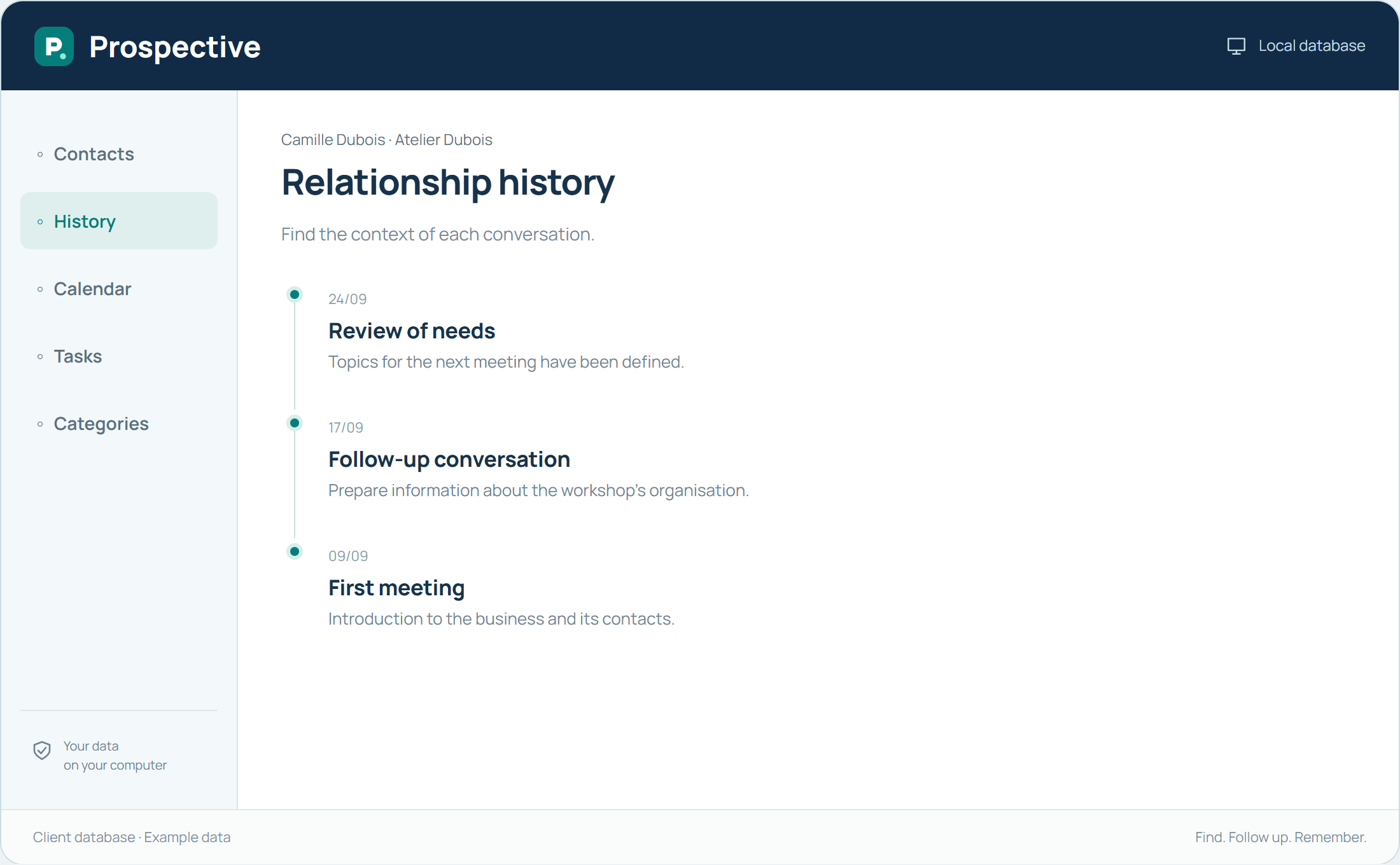
Respond with the right reference points
At reception, you often need to find a person before knowing every detail of the enquiry. Searching the database helps identify the contact and available context. Then note useful facts: reason for calling, information given and expected action. The relationship stays understandable for whoever takes over.
Prepare short, precise handovers
An effective handover answers a few questions: who contacted the organisation, about what, and what should happen next? Prospective groups notes and actions around the contact. With Network, authorised PCs use the shared database on the premises. Shared categories make records easier for everyone to read.
In your working day
A contact calls while a colleague is away. Find their record, note the request and prepare a callback action. The colleague finds the necessary details on returning.
Three steps to get started
- 01
Find the contact before creating a new record
- 02
Record the reason and expected next step
- 03
Plan a clearly identifiable callback task
Your software, bought once.
A tool you buy for your work, with a price known from the start. Using the purchased version does not create new payments over time. Your client database remains available in your compatible Windows environment.