 Prospective

Software and database in your environment
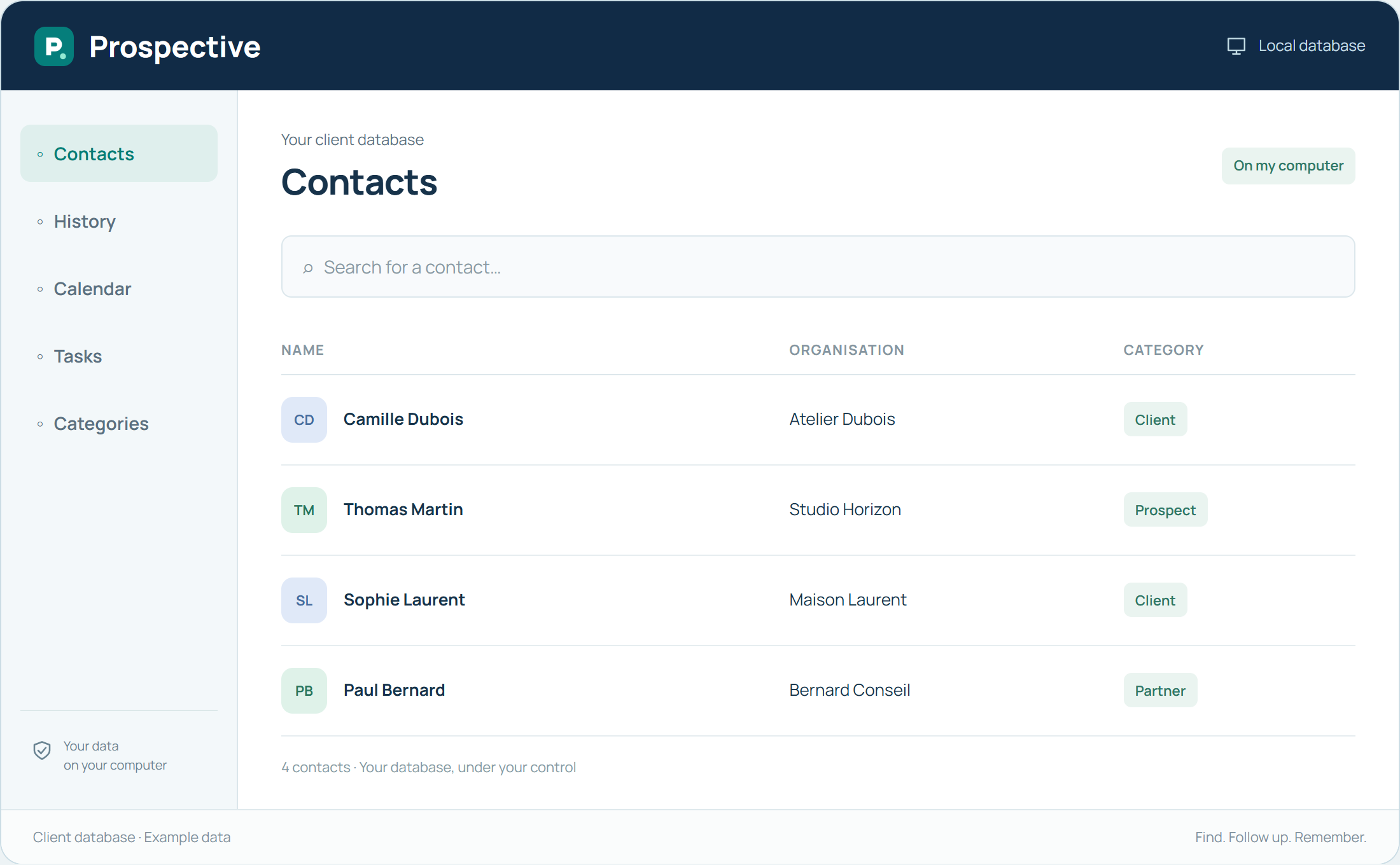
A local CRM keeps working data on your computer or at a network location. You do not open a remote account to view each record. Prospective combines this arrangement with relationship-focused functions: contacts, notes, history, tasks and a calendar.
Plan access and continuity
Choosing local storage means knowing where the database lives and how it is copied. In a team, identify the PCs accessing it and common working rules. With Solo, keep a copy separate from the main PC. Independence from remote hosting relies on a simple, understood arrangement.
In your working day
The person organising the database knows which PC hosts it and where backups are stored. When a new colleague needs it, access and classification habits are already defined.
Three steps to get started
- 01
Locate the active database
- 02
Define required PCs and access
- 03
Plan backups that can be checked
Your software, bought once.
A perpetual licence gives the right to keep using the purchased version without a time limit. Pay for the software once and keep your working habits. Your database stays on your PC or local network.