 Prospective

Look at where and how you work
A cloud service may suit a distributed team using different devices and remote features. Local software fits another arrangement: mainly working on PCs, keeping files in the business and using an installed tool. The choice depends on these uses; neither model is always better.
Connect the working arrangement to the purchase model
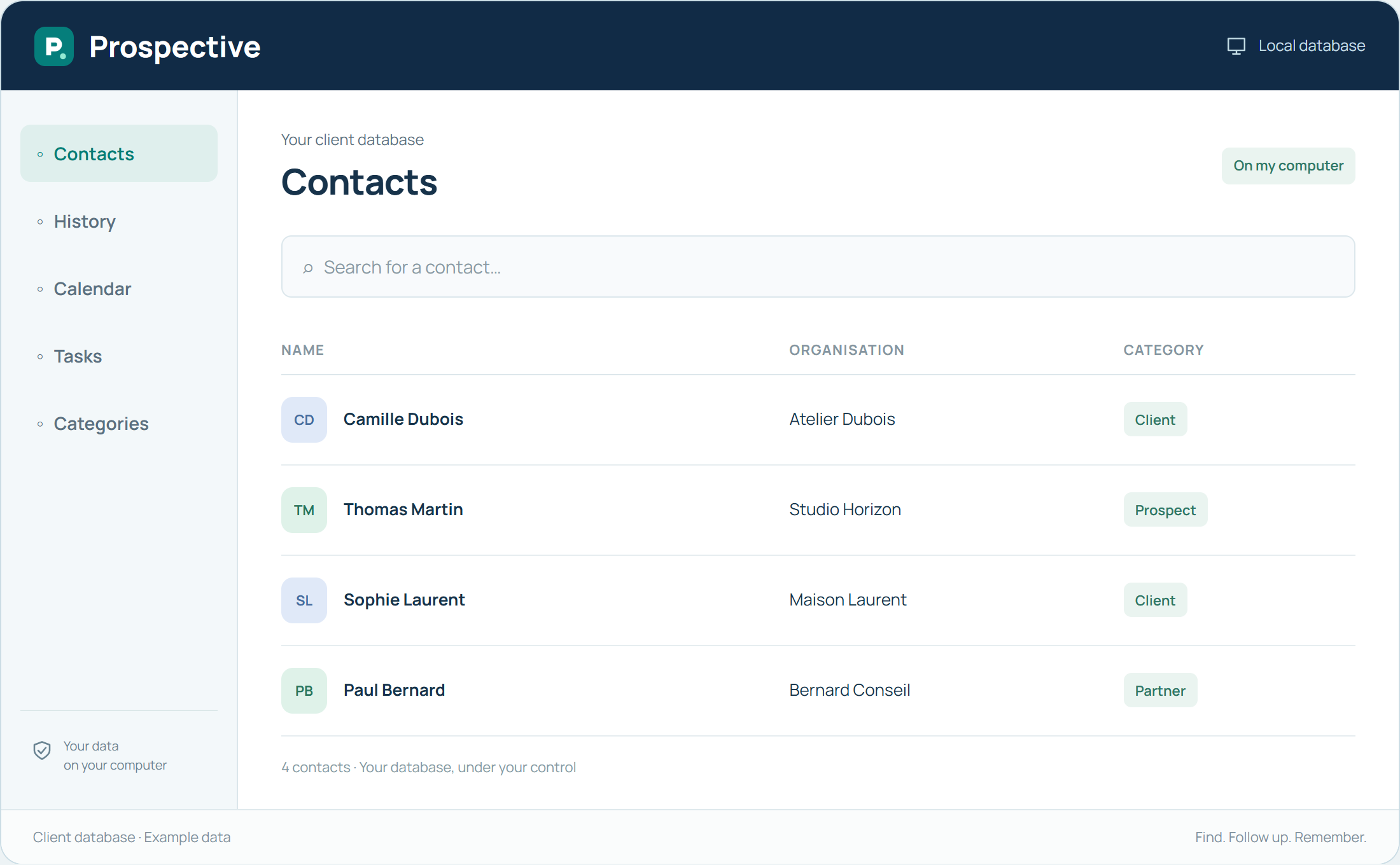
Prospective combines a local database with a perpetual licence. Buy the right to use the chosen version without a time limit for the specified number of PCs. Compare this scope with your relationship needs: contact details, history, tasks and appointments. The trial helps you assess it before deciding.
In your working day
A small team works in the same premises on Windows PCs and prefers a shared database on its network. Another team needing varied remote access will take that requirement into account when choosing.
Three steps to get started
- 01
Identify work locations and devices
- 02
Choose the desired data location
- 03
Try the functions you need
Your software, bought once.
A perpetual licence gives the right to keep using the purchased version without a time limit. Pay for the software once and keep your working habits. Your database stays on your PC or local network.