 Prospective

Define essential actions
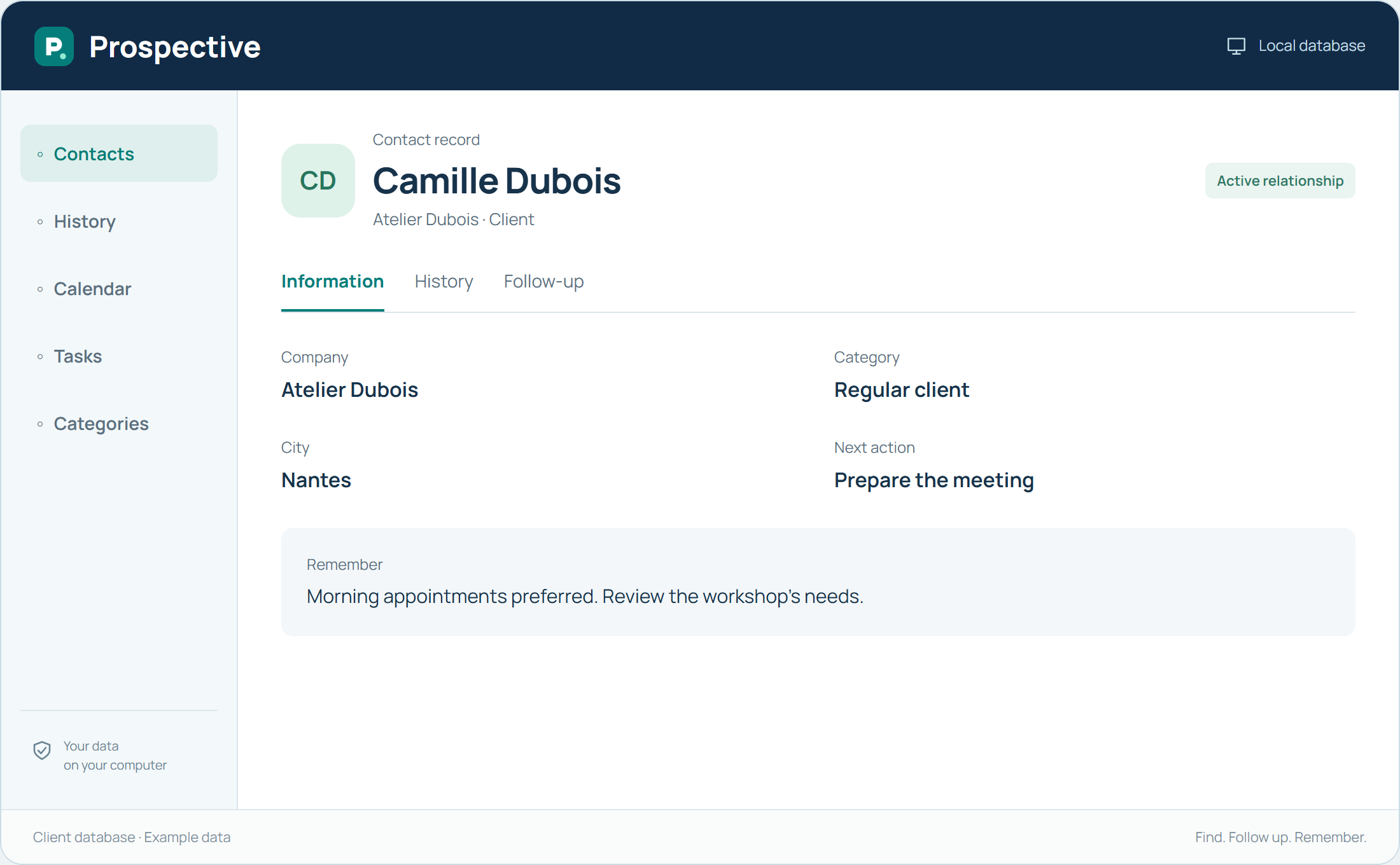
Ask the people involved what they need before a call or meeting. List contact information, useful history and actions to track. Then judge software against these concrete steps. A large feature count alone does not show whether a tool fits your organisation.
Compare working arrangements
Consider the PCs used, remote-access needs and desired data location. Prospective suits Windows follow-up with a local database and perpetual licence. If your work relies on extensive remote collaboration, define that need before choosing. Always try a representative workflow using your own habits.
In your working day
The team chooses three situations: find a client, prepare a meeting and hand over a conversation. Try each in the software to see whether the organisation remains clear.
Three steps to get started
- 01
List actions used every week
- 02
Define PCs and data location
- 03
Try real situations from your work
Your software, bought once.
A perpetual licence gives the right to keep using the purchased version without a time limit. Pay for the software once and keep your working habits. Your database stays on your PC or local network.