 Prospective

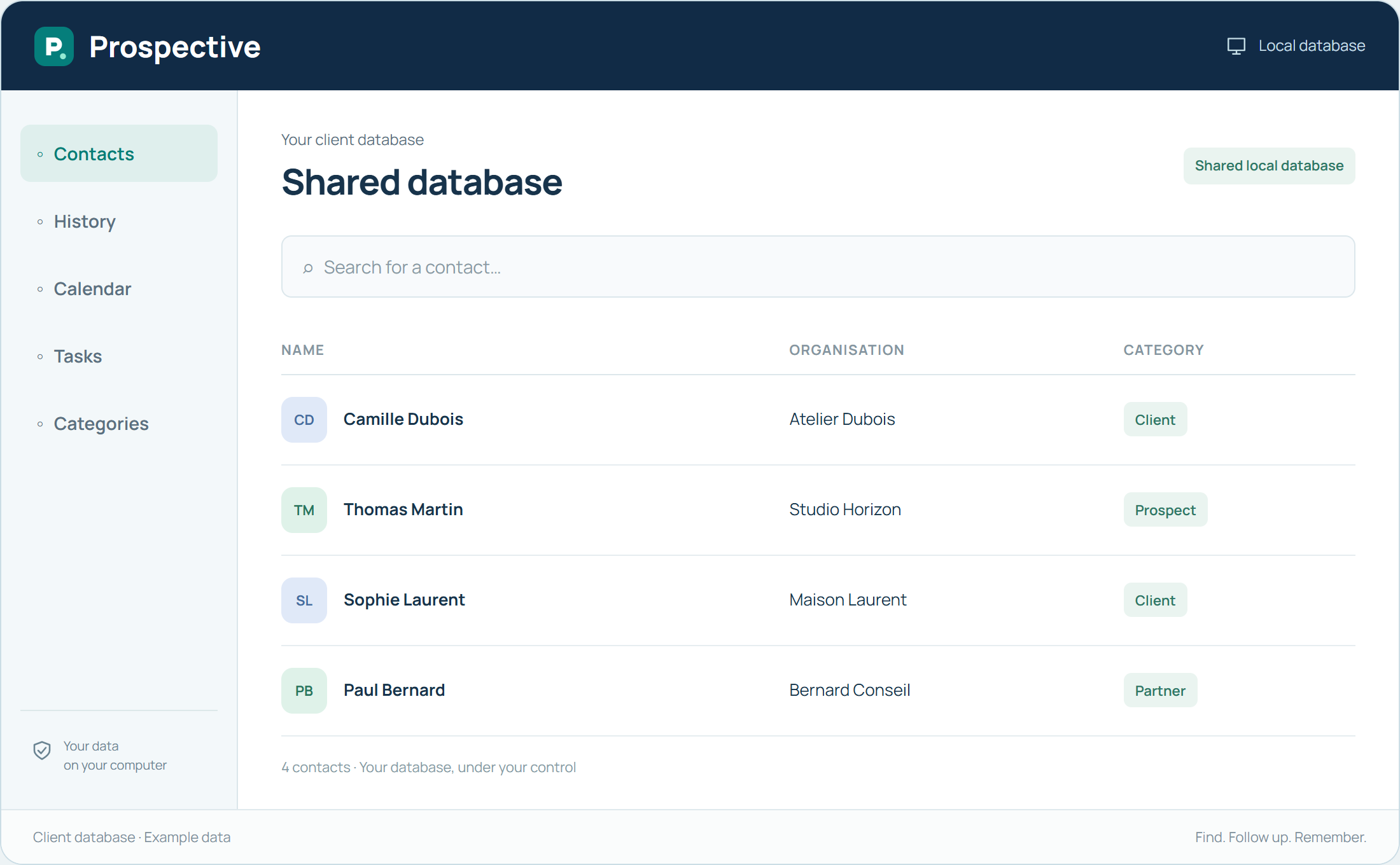
Share writing habits as well as the file
A shared database is useful only when several people can understand its information. Agree on category meanings and the detail needed in notes. Write subjects and decisions explicitly. Relationship reference points should remain understandable to someone absent during the conversation.
Organise responsibilities around the database
Identify who corrects contact details as conversations happen, who prepares next actions and who keeps backups. These roles can be simple in a small organisation. Sharing the database over the local network provides a common reference point; agreed habits make the work consistent.
In your working day
During a team meeting, everyone can find the relevant contacts and recent decisions. Clear notes allow discussion of the next step without reconstructing conversations from memory.
Three steps to get started
- 01
Define shared categories and conventions
- 02
Identify who takes over each action
- 03
Organise copies of the shared database
Your software, bought once.
A perpetual licence gives the right to keep using the purchased version without a time limit. Pay for the software once and keep your working habits. Your database stays on your PC or local network.