 Prospective

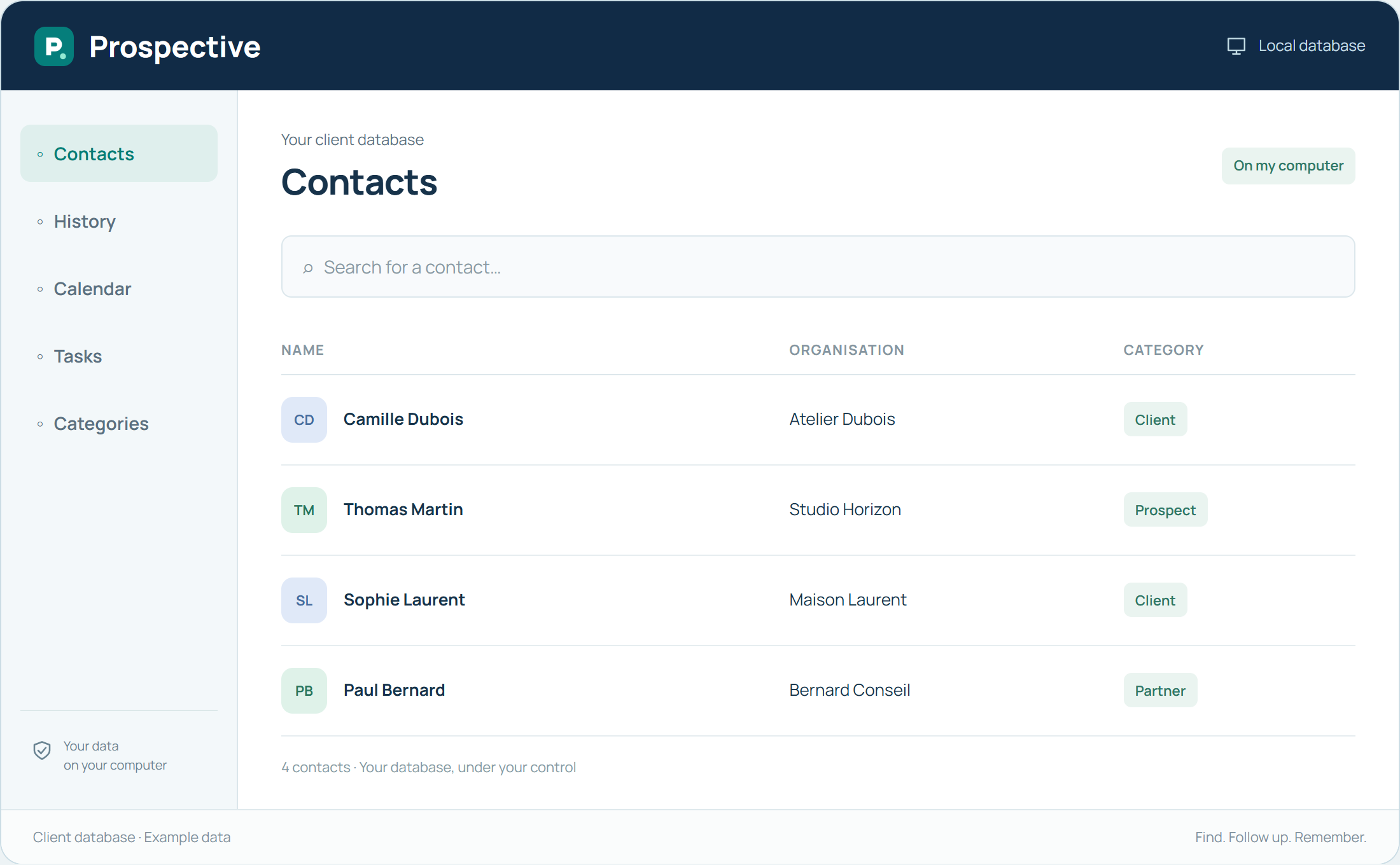
Search before creating a new record
When someone contacts you, first check whether they are already in the database. A search avoids splitting the relationship between two records. Check contact details and company to confirm the right person, then review useful notes before adding the new conversation.
Improve searches through record quality
Stable, consistent information makes searching easier. Write company names consistently and correct contact details when a change is confirmed. Categories provide another reference point when a set of contacts is involved. Search becomes more useful when the database stays clear.
In your working day
You recognise a company but not the caller’s exact name. Details in the record help identify the right contact and recover the context before responding.
Three steps to get started
- 01
Check whether the person is already recorded
- 02
Confirm useful contact details
- 03
Review context before continuing
Your software, bought once.
A perpetual licence gives the right to keep using the purchased version without a time limit. Pay for the software once and keep your working habits. Your database stays on your PC or local network.