 Prospective

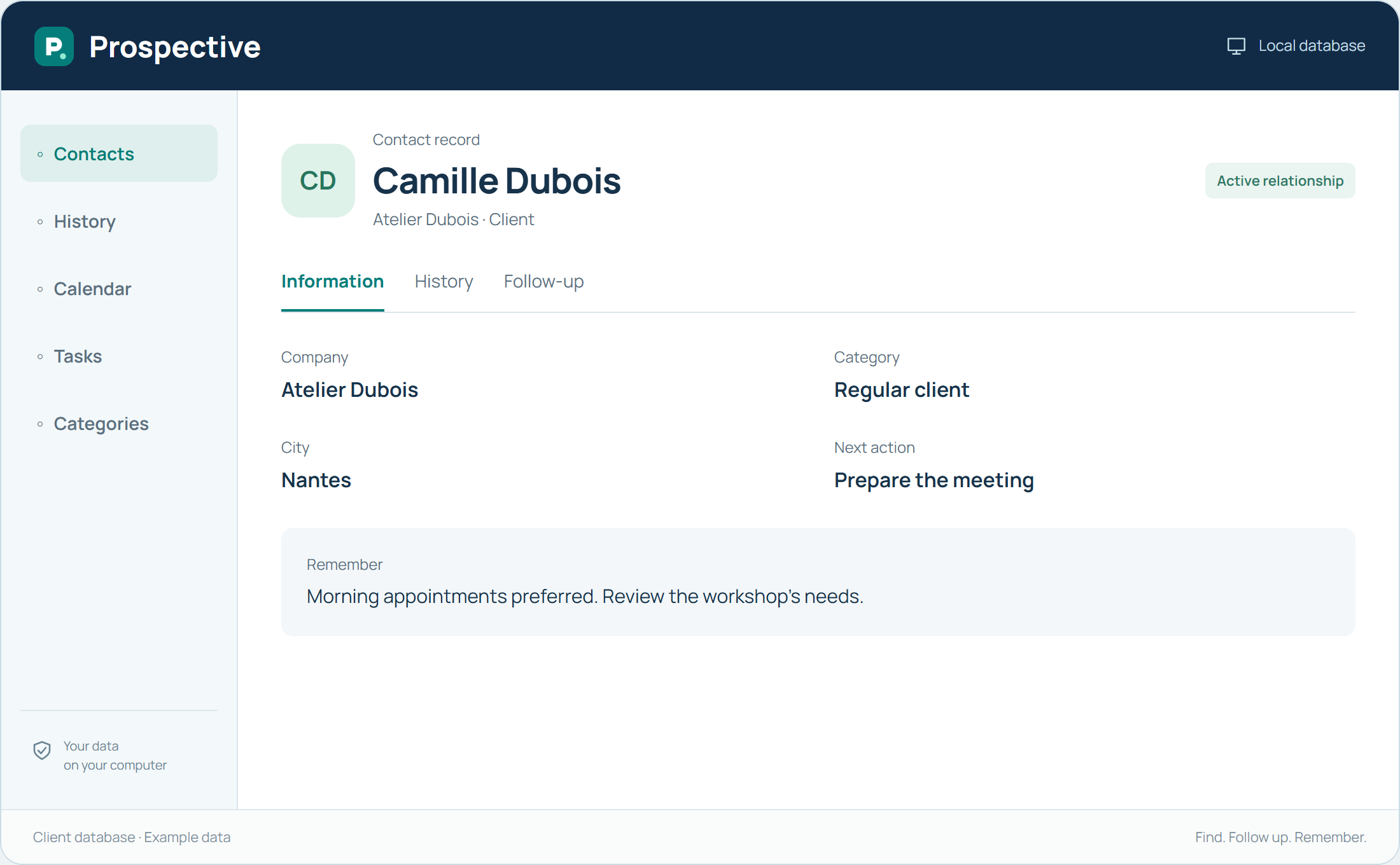
Choose what the database should help you do
A client database does not need every possible detail. It should help identify the person, find useful contact details and understand the relationship’s context. Start with questions that recur before calls or meetings. They show which fields and notes deserve a place in the record.
Separate stable details from successive conversations
A contact’s company or role belongs in the main record. A decision made during a call belongs in the history. An expected action becomes a task. This prevents everything piling up in one comment and helps find each detail according to its purpose.
In your working day
Create a record with necessary contact details and the person’s role. Add useful conversations to the history instead of replacing earlier notes.
Three steps to get started
- 01
Define information needed for your conversations
- 02
Put each detail in the right place
- 03
Review a few records for clarity
Your software, bought once.
A perpetual licence gives the right to keep using the purchased version without a time limit. Pay for the software once and keep your working habits. Your database stays on your PC or local network.