 Prospective

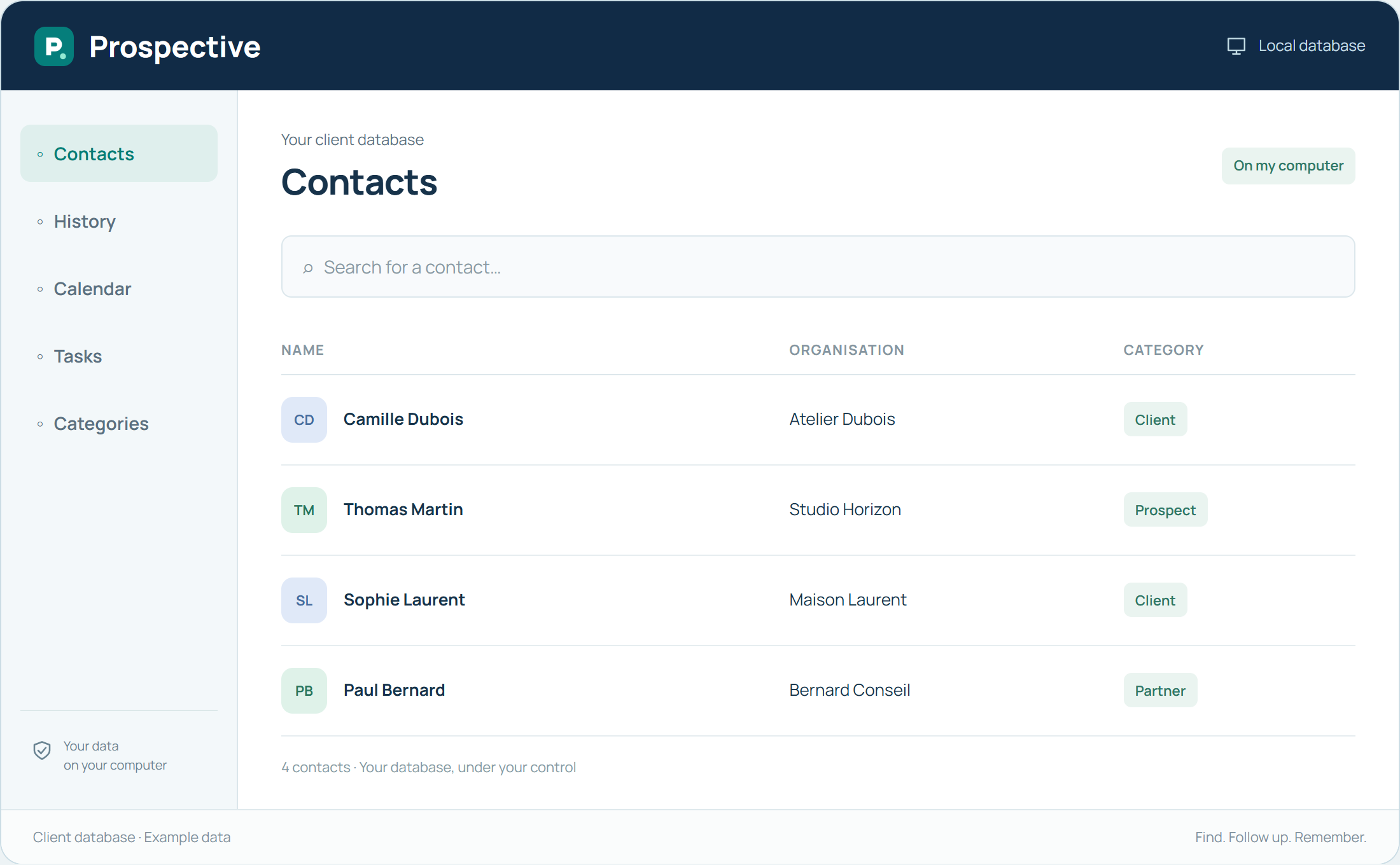
Choose a structure before entering everything
Start by defining the information you search for most often. Decide how to write company names and distinguish relationship types. A short structure understood by users makes data entry easier. A few well-kept reference points are better than a long list of abandoned fields.
Check consistency as you work
Before creating a record, search for the existing contact. When new information is confirmed, correct the relevant details. Review categories that no longer help and notes that are difficult to understand. These small habits preserve readability without requiring a major recurring project.
In your working day
Two records use slightly different names for the same company. Agree on consistent spelling and search for the person before creating records to reduce scattered information.
Three steps to get started
- 01
Define data-entry conventions
- 02
Search before creating
- 03
Review ambiguous categories and notes
Your software, bought once.
A perpetual licence gives the right to keep using the purchased version without a time limit. Pay for the software once and keep your working habits. Your database stays on your PC or local network.