 Prospective

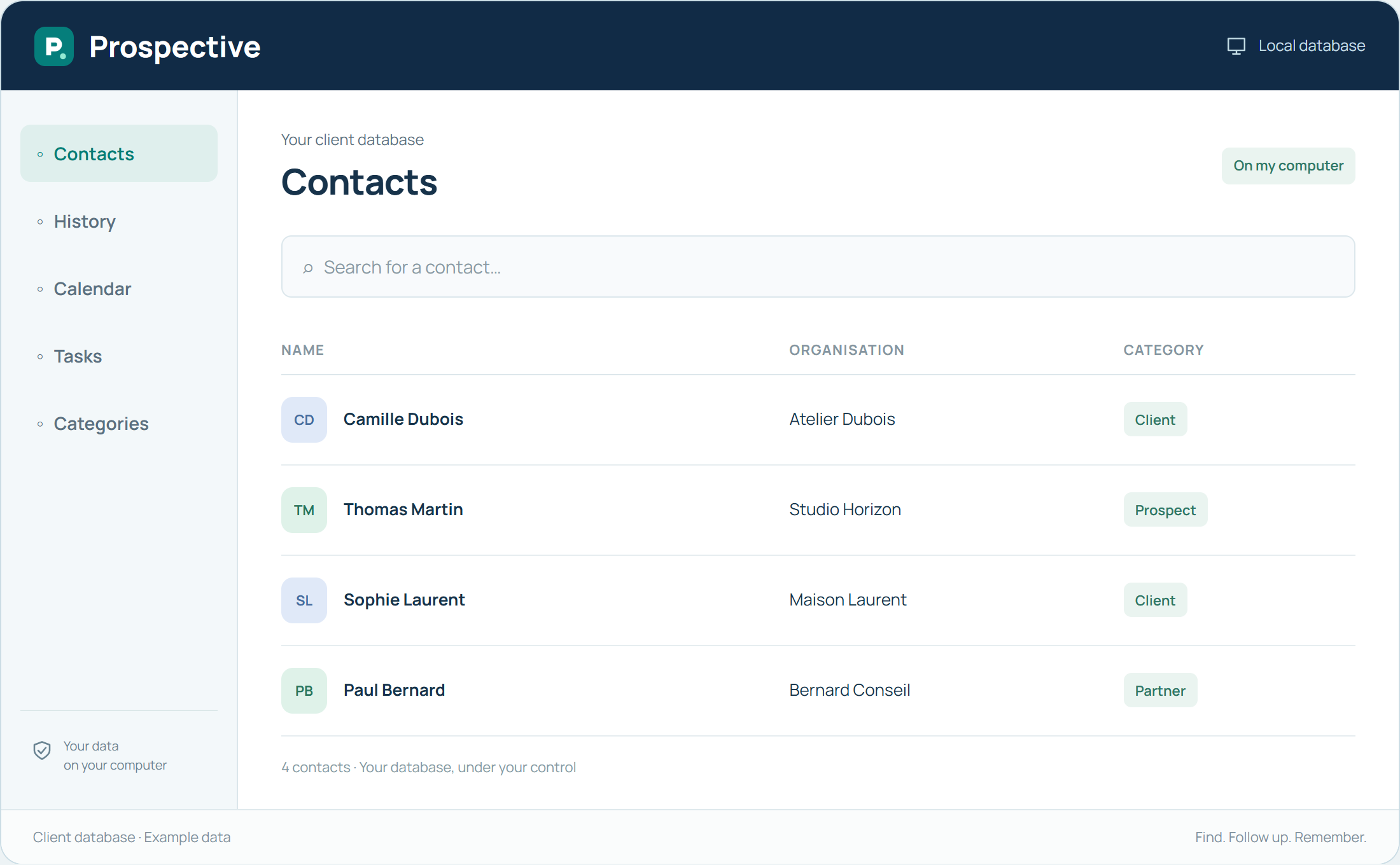
Choose a classification approach
A category should answer a question you actually ask of the database. Is this a client, prospect or partner? Is the contact linked to a particular activity? Define a few common reference points and avoid mixing relationship type with a temporary action in the same category.
Keep a short, coherent list
Two nearly identical categories make searching harder. Before creating a new one, check whether an existing distinction meets the need. In a team or association, agree on each term’s meaning. Tasks handle what must be done; categories help explain which group a record belongs to.
In your working day
An association distinguishes members, volunteers and partners. Preparing a call is a task, not a new category that becomes irrelevant once the call is over.
Three steps to get started
- 01
Define the meaning of each category
- 02
Avoid nearly identical terms
- 03
Use tasks for temporary actions
Your software, bought once.
A perpetual licence gives the right to keep using the purchased version without a time limit. Pay for the software once and keep your working habits. Your database stays on your PC or local network.