 Prospective

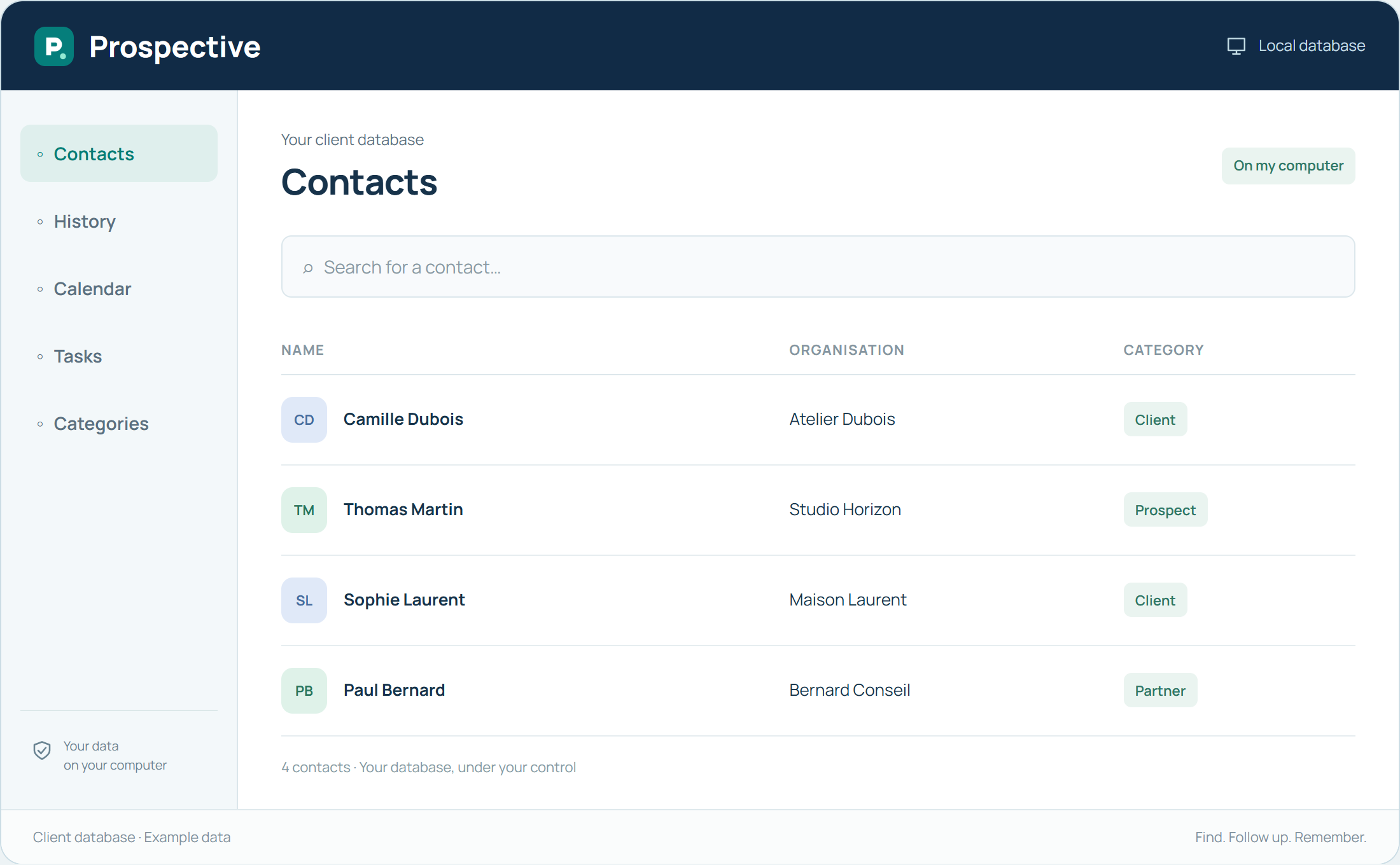
A tool that belongs on your desktop
You already prepare files and documents on your computer. Prospective builds on this routine with a local client database. Open the software, find the relevant person and pick up the conversation’s context. Contact details, notes and tasks stay together instead of being spread across several windows or sheets of paper.
Know where the database lives
Working on a PC lets you identify where files are stored and choose backup media. Set up a regular backup routine and make the database location easy to find. Everyday management does not require a permanent connection to a remote platform. For several workstations, explore how the Network licence works.
In your working day
Before the first meeting of the day, open Prospective on your PC and review the client’s notes. Afterwards, add the key point and next task. The same familiar reference points carry you through the day.
Three steps to get started
- 01
Install the software on your Windows PC
- 02
Identify your database location
- 03
Keep a copy on separate storage
Your software, bought once.
A tool you buy for your work, with a price known from the start. Using the purchased version does not create new payments over time. Your client database remains available in your compatible Windows environment.