 Prospective

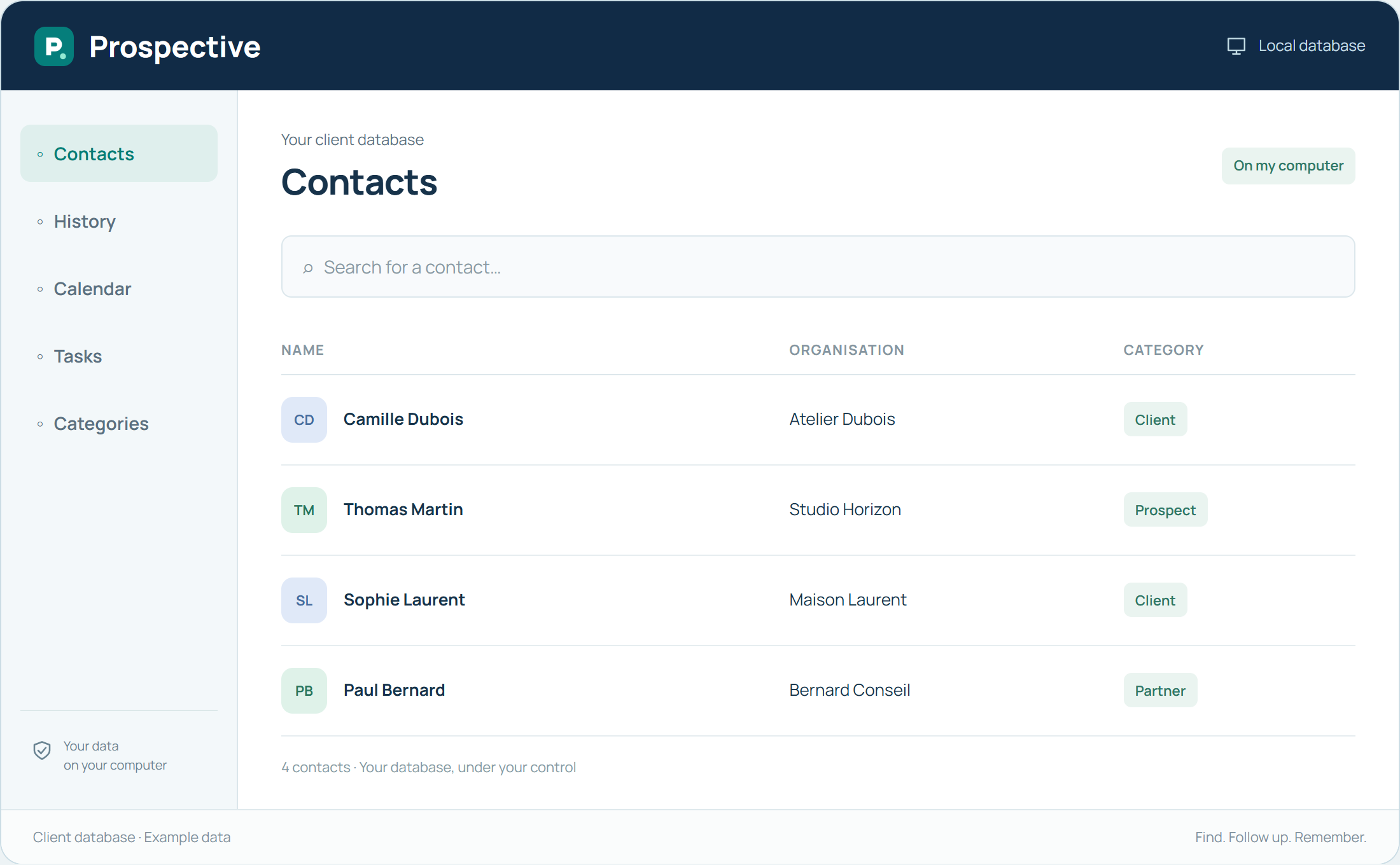
Work in a familiar environment
Prospective runs on a Windows computer. The database, notes and follow-up are available in the installed software alongside your other PC tools. This suits work mainly carried out at a desk or on a business PC. The website presents the software; it does not replace installation.
Check your needs with a short workflow
Before organising the full database, try a record, a note and a task in the trial. Check readability on your screen and how to find information. The software is not a mobile or macOS application: choose according to the PCs you actually work from.
In your working day
You prepare meetings on your desktop PC. Prospective lets you find the contact and notes in the same environment, then retain the outcome of the conversation.
Three steps to get started
- 01
Try the software on your Windows PC
- 02
Explore a record and a task
- 03
Choose your database location
Your software, bought once.
A perpetual licence gives the right to keep using the purchased version without a time limit. Pay for the software once and keep your working habits. Your database stays on your PC or local network.