 Prospective

Recognise when columns are no longer enough
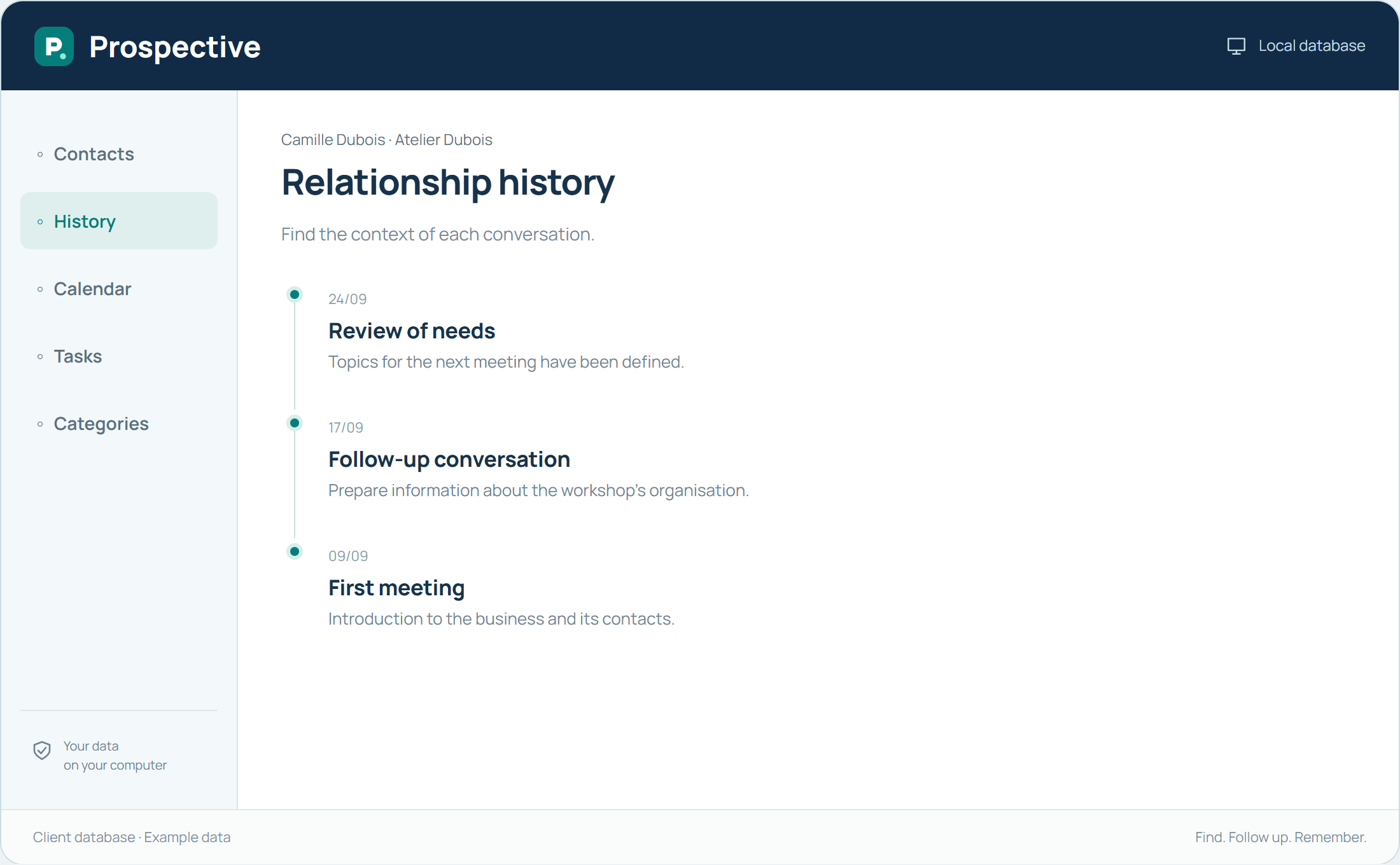
A spreadsheet is useful for listing contact details. Difficulties arise when one cell must describe several conversations, reminders depend on colours and multiple copies circulate. Prospective gives the person, the history and the next action separate places. You find a relationship and its context, not just a row.
Make the transition gradually
Before changing tools, keep the original file and choose a small set of active contacts. Standardise names, contact details and categories. Then explore the data-transfer possibilities in your version using this sample. Check the information and adjust your habits before expanding the database.
In your working day
Your spreadsheet has a “last call” column and a “to do” column. A client record can retain several successive conversations and a separate next action. The history stays readable when a new reminder is added.
Three steps to get started
- 01
Keep the original file
- 02
Choose a few contacts to start with
- 03
Check records, history and next actions
Your software, bought once.
A tool you buy for your work, with a price known from the start. Using the purchased version does not create new payments over time. Your client database remains available in your compatible Windows environment.