 Prospective

Return to the latest relevant conversation
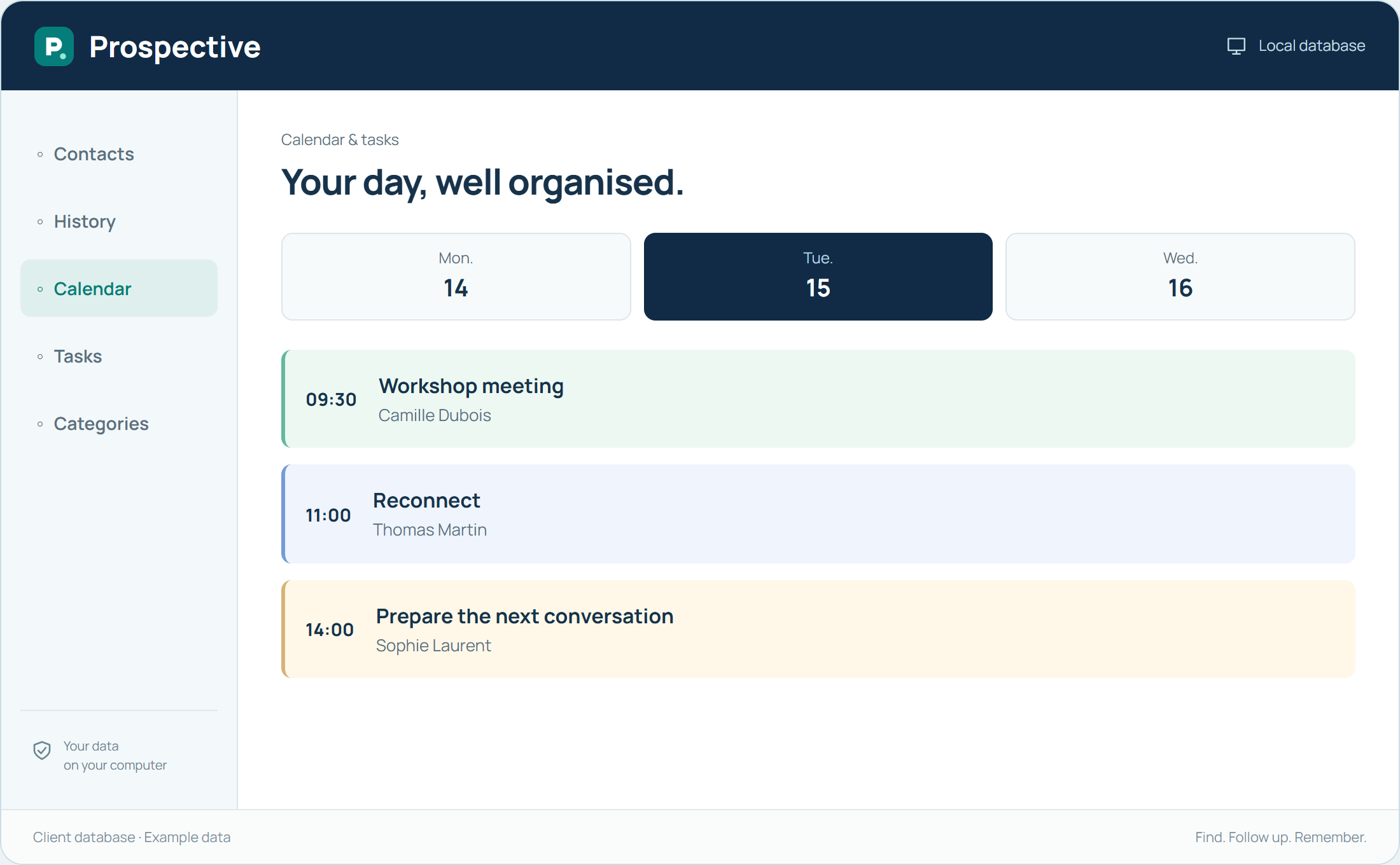
Before a meeting, find the record and read recent notes. Look for expressed expectations, decisions and unresolved points. This preparation avoids asking the same questions again. Focus the meeting on what has changed and the next decision.
Prepare the next step before closing the record
After the meeting, add a short summary and separate decisions from actions to take. Put an agreed next meeting in the calendar. If information is still expected, a task keeps the subject visible. Preparation for the next conversation starts here.
In your working day
The meeting concerns a need already discussed. Review noted constraints, prepare useful questions and record the decision at the end.
Three steps to get started
- 01
Review recent notes
- 02
Prepare unresolved points
- 03
Record the decision and next action
Your software, bought once.
A perpetual licence gives the right to keep using the purchased version without a time limit. Pay for the software once and keep your working habits. Your database stays on your PC or local network.