 Prospective

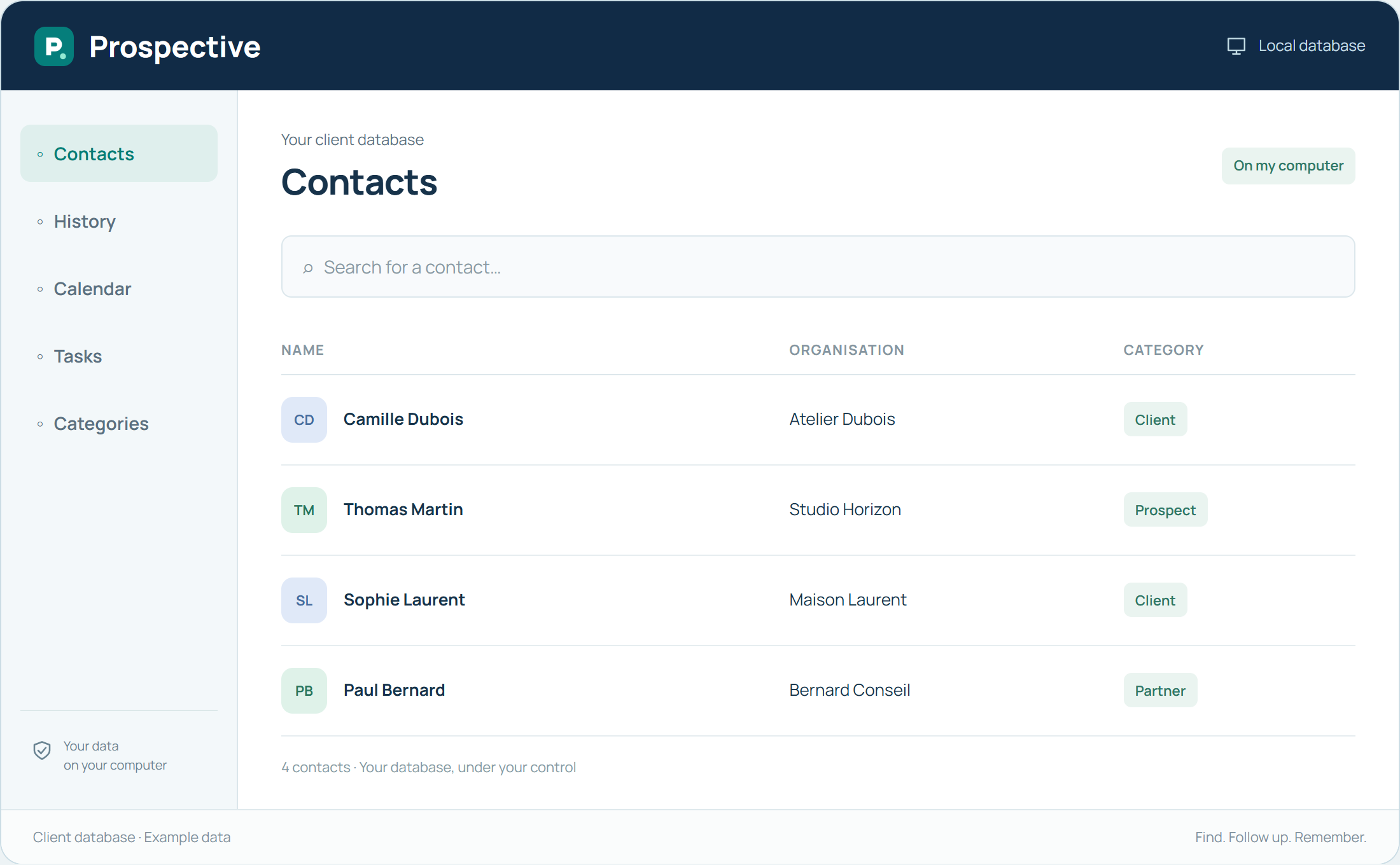
Start with the intended use of the data
An export serves a specific need: use contact details in another tool or retain selected information. First identify the contacts and fields needed. Exact possibilities depend on your Prospective version; check available formats and results with a small sample before a full transfer.
Check the result and keep a full backup
Open the resulting file and check names, accented characters and useful columns. A contact export does not necessarily replace all notes and database history. Keep a complete backup as well when preparing an organisational change.
In your working day
You need selected contact details for another use. Try retrieving a few records, check the result and then expand the operation to the contacts you need.
Three steps to get started
- 01
Identify necessary contacts and fields
- 02
Check an initial file with a small sample
- 03
Keep a complete database backup separately
Your software, bought once.
A perpetual licence gives the right to keep using the purchased version without a time limit. Pay for the software once and keep your working habits. Your database stays on your PC or local network.