 Prospective

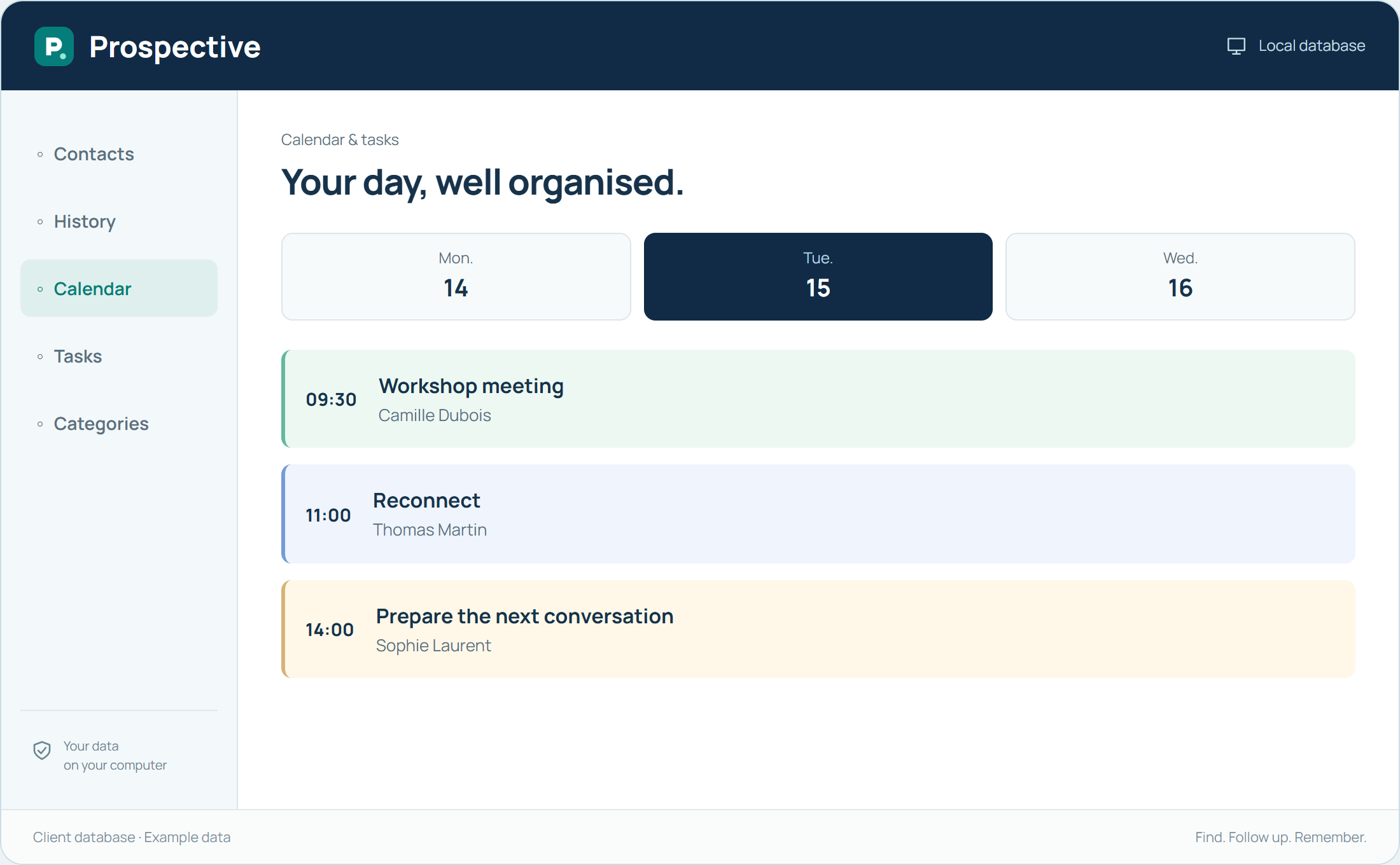
Follow up for a precise reason
A useful follow-up relates to something expected: a response, information to confirm or a meeting to prepare. Put this reason in the task and connect it to the right context. “Confirm the meeting time” is easier to understand than just “call back”.
Review open actions
Review planned tasks regularly to decide what happens next. Some become unnecessary because the person has replied; others need moving to a more relevant date. The software keeps the reference points, while you choose when and how to contact the person again.
In your working day
You are waiting for meeting confirmation. The task states the subject and agreed date. Before calling, the record recalls the latest conversation so you can adapt your message.
Three steps to get started
- 01
Describe the reason for the callback
- 02
Choose a date consistent with the conversation
- 03
Review tasks when a response arrives
Your software, bought once.
A perpetual licence gives the right to keep using the purchased version without a time limit. Pay for the software once and keep your working habits. Your database stays on your PC or local network.