 Prospective

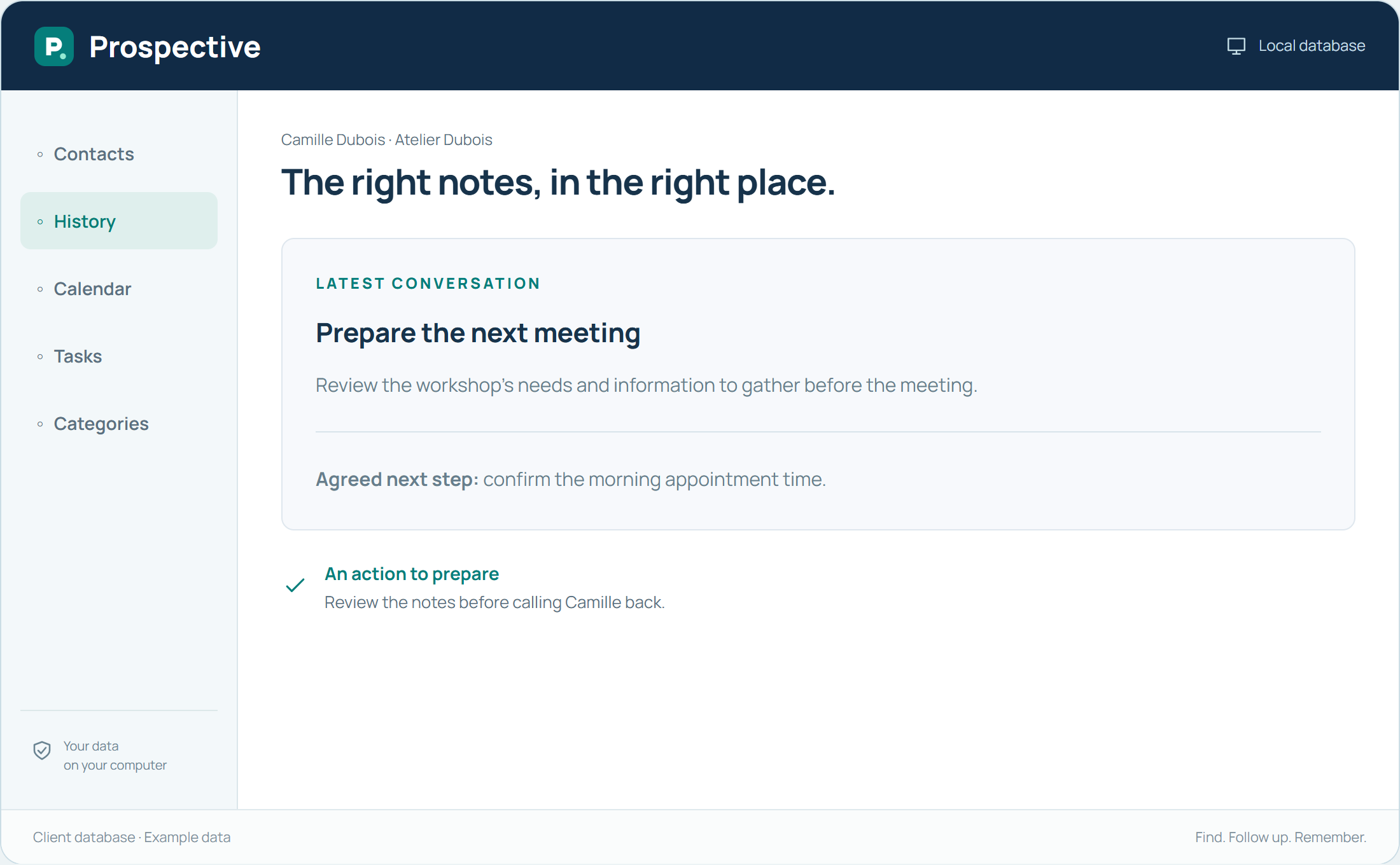
Start with the present
There is no need to transfer every notebook from its first page. Identify active relationships, upcoming meetings and open requests. Start by creating records for those people with genuinely useful information. The software can become the starting point for new conversations while older documents remain filed separately.
Turn a note into a lasting reference
A quickly written sentence may be hard to understand later. When transferring it, add the contact name, subject and date when known. Distinguish what has happened from what needs doing. Uncertain information should be checked before being treated as fact.
In your working day
Choose the week’s contacts and transfer only the notes needed for their upcoming conversations. Then add new information directly to their records.
Three steps to get started
- 01
Select active relationships
- 02
Clarify notes before transferring them
- 03
Use the record for new conversations
Your software, bought once.
A perpetual licence gives the right to keep using the purchased version without a time limit. Pay for the software once and keep your working habits. Your database stays on your PC or local network.